
The in-app calendar view, accessible from the calendar module, allows you to see scheduled appointments and synced third-party events in one place. You can view multiple users, calendars, and groups, compare availability, and manage your schedule more efficiently.
This article explains the different calendar views and features available to help you organize appointments and navigate your schedule.
TABLE OF CONTENTS
- Quick Day View
- Quick Month View
- Multi-User Selection
- Multi-Calendar View
- Multi-Group View
- Color Coding for Clarity
- Intuitive Icons
- Persistent Multi-Select
- Additional Information on Hover
- Summary
Quick Day View
The Day view displays selected users, calendars, and groups side by side, making it easier to compare daily schedules and identify available time slots.
Select the Day view to display a horizontal list of your selected users, calendars, or groups.
When viewing multiple users, each user's name appears above their individual daily calendar. This layout allows you to compare appointments and availability without switching between schedules.
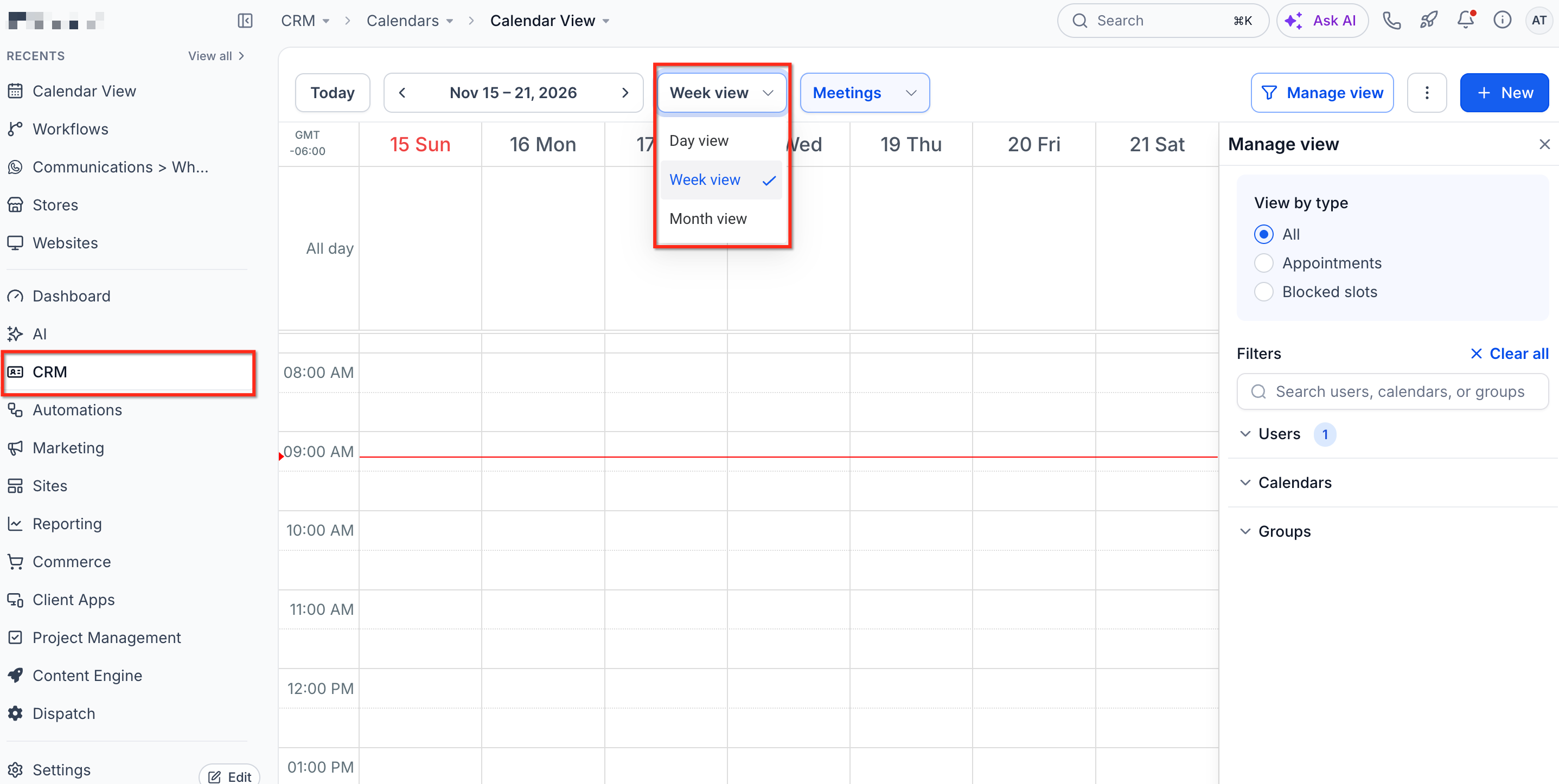
Quick Month View
The Month view provides an overview of your calendar across an entire month.
Use this view to navigate between months, review upcoming appointments, and plan your schedule around future events.
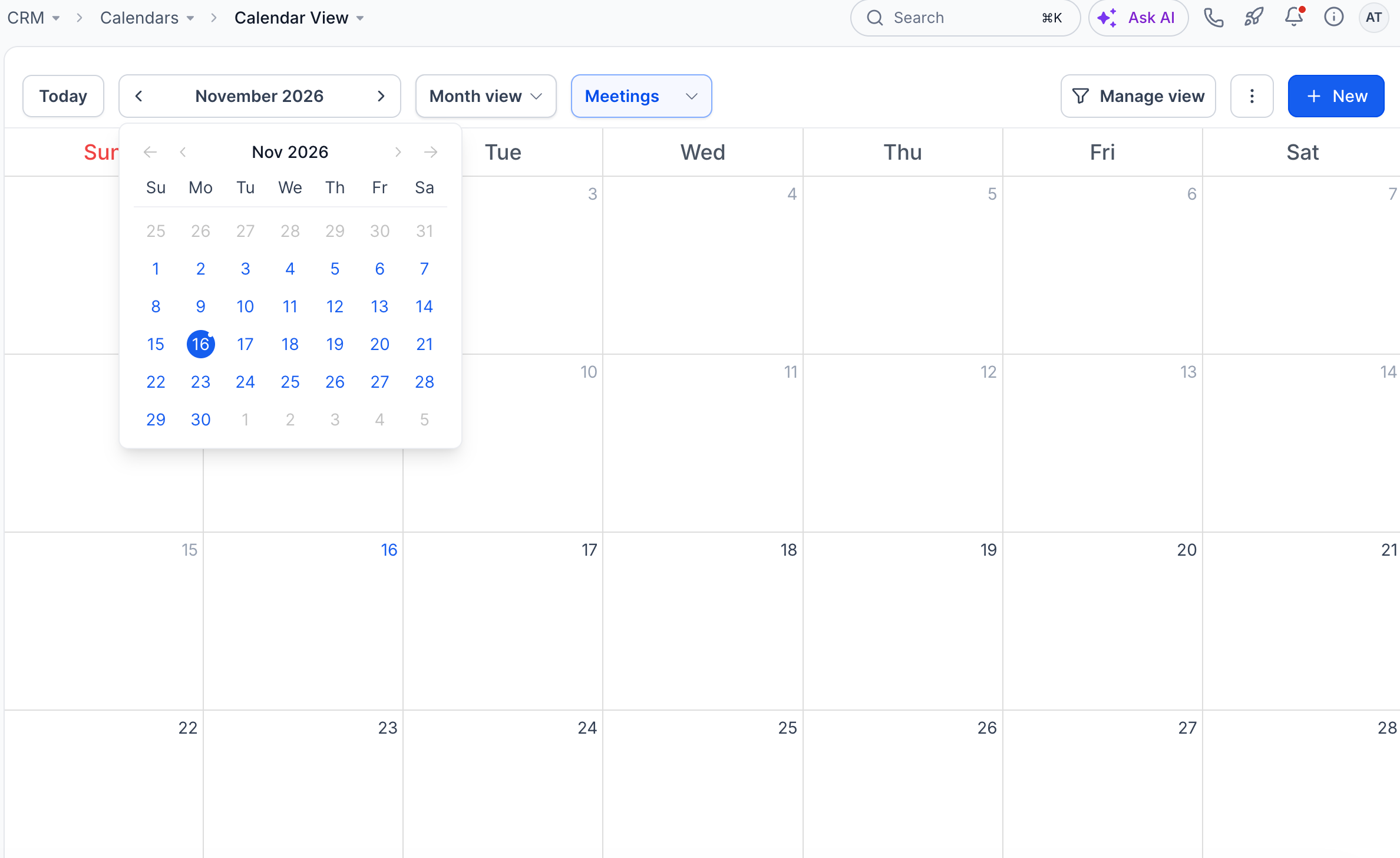
Multi-User Selection
The calendar view allows you to select multiple users and display their appointments together.
Instead of reviewing each user's schedule separately, select the users you want to view to compare their appointments and availability.
This feature makes it easier to coordinate schedules and identify suitable appointment times.
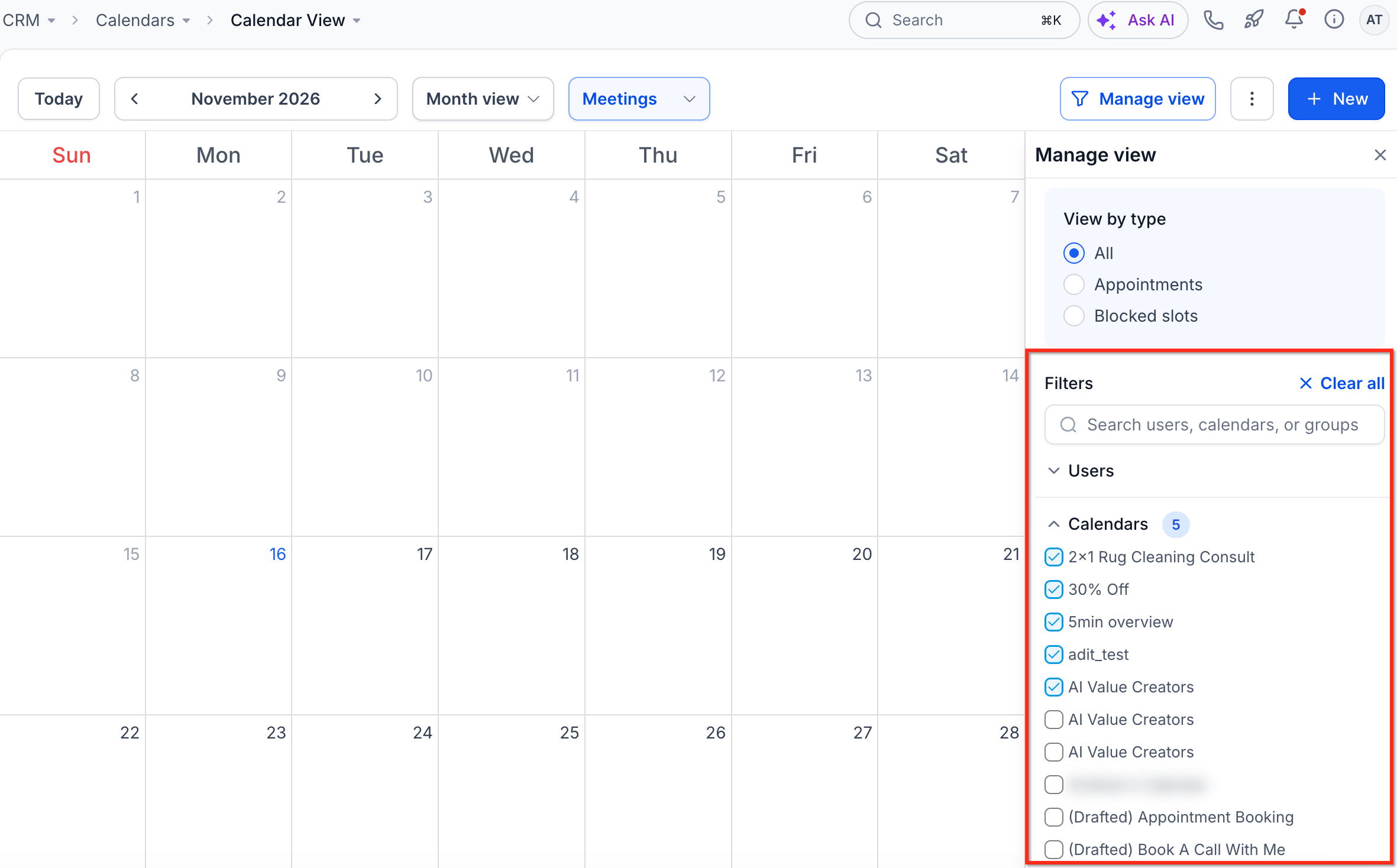
Multi-Calendar View
The Multi-Calendar View allows you to display appointments from multiple calendars in one place.
Select the calendars you want to view to see their appointments together without switching between individual calendars.
This consolidated view helps you monitor scheduled appointments across different calendars.
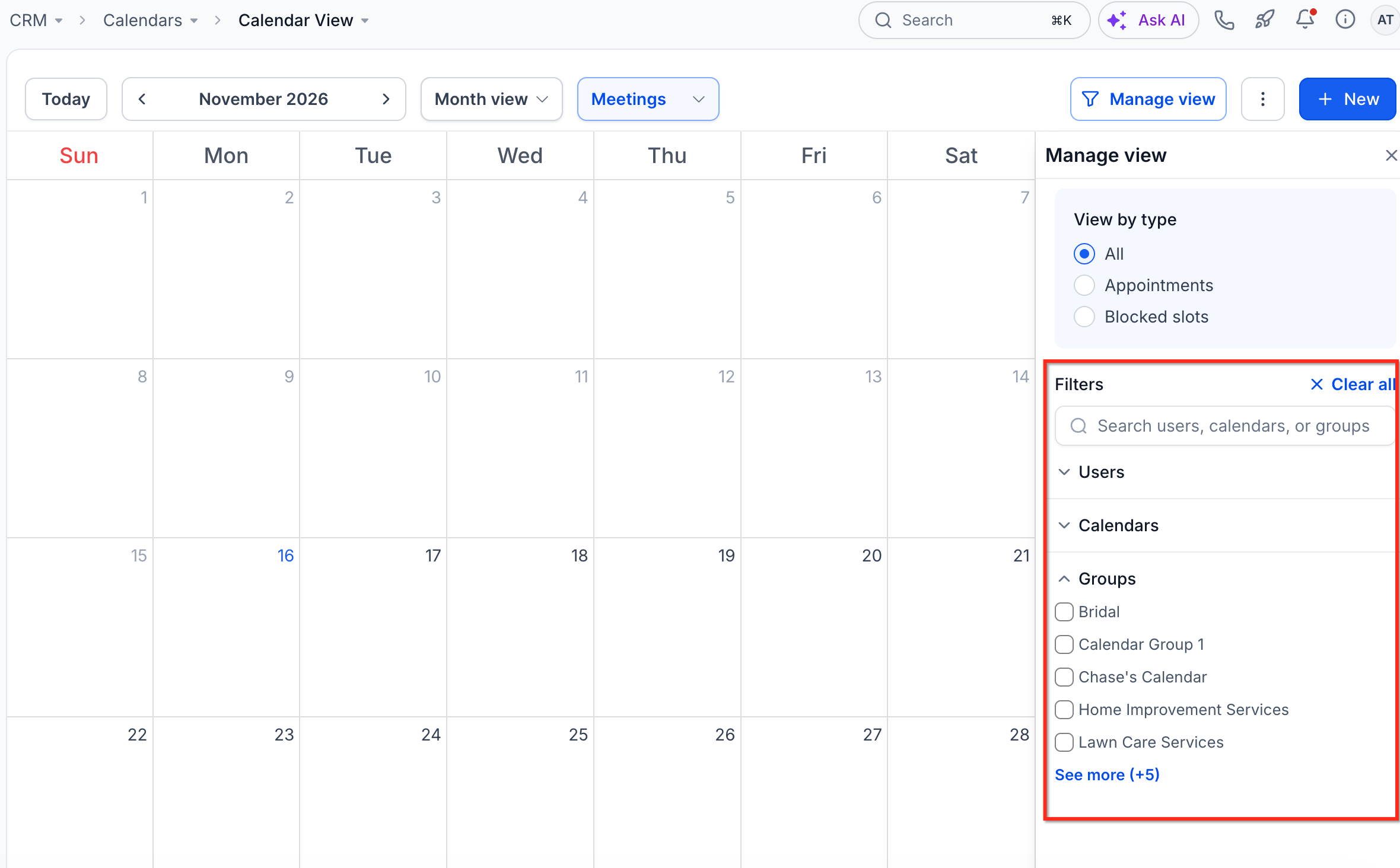
Multi-Group View
The Multi-Group View allows you to select multiple calendar groups and display their appointments together.
When you select multiple groups, appointments from those groups appear overlaid in your calendar view.
This feature provides a consolidated overview of appointments across the selected groups.
Color Coding for Clarity
The calendar view uses colors to help you distinguish appointments associated with different users, calendars, and groups.
Users: Each user's appointments are color-coded, making it easier to identify and compare individual schedules.
Groups and Calendars: Appointments appear in colors based on their configured settings, helping you identify which calendar or group they belong to.
Color coding makes it easier to distinguish appointments when viewing multiple schedules together.
Intuitive Icons
The calendar view includes icons that help you recognize events visually.
These icons provide visual indicators to help you identify events while reviewing your schedule.
Persistent Multi-Select
The Persistent Multi-Select feature remembers your selected users and calendars.
When you return to the calendar view, your previous selections remain available, so you do not need to select the same users and calendars again.
This feature helps you maintain your preferred calendar view between visits.
Additional Information on Hover
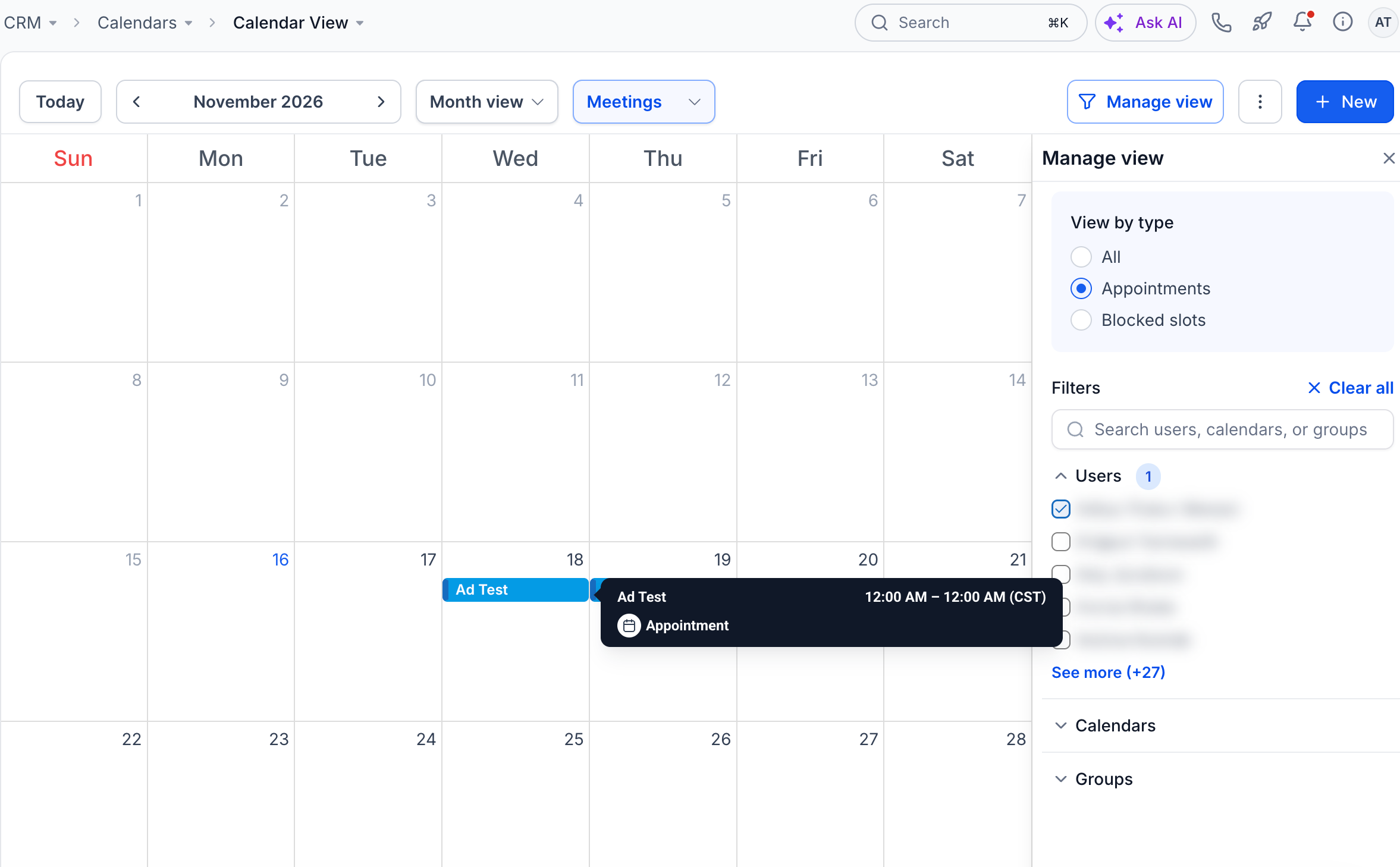
Hover over an appointment in the calendar to view additional event details without opening the appointment.
The appointment preview displays:
Event type
Event title
Start time
End time
This feature allows you to review important appointment information while remaining in the calendar view.
Summary
The in-app calendar view brings appointments and synced third-party events into one interface. With multiple calendar views, user and group selection, color coding, and appointment previews, you can compare schedules, review availability, and manage appointments more efficiently.